 RISC-V Test Matrix
System Version
4.0.1
Status
GOOD
System Variant
Desktop
Last Update
2026-10-25
Milk-V Jupiter2 Bianbu Test report
Test Environment
Operating System Information
- OS Version: Bianbu 4.0.1 (Resolute Raccoon)
- Reference Installation Document: https://milkv.io/zh/docs/jupiter2/getting-started/quick-start
Note: The image is pre-installed at the factory, so no re-flashing is required.
Hardware Information
- Milk-V Jupiter2
- USB Type-C power adapter (USB-PD 65W), or ATX 2-pin power supply (12V input)
- 1x Standard HDMI cable
- 1x USB Type-C docking station
- 1x USB Type-C cable, external keyboard, external mouse
- 1x USB video capture card
Installation Steps
System Boot
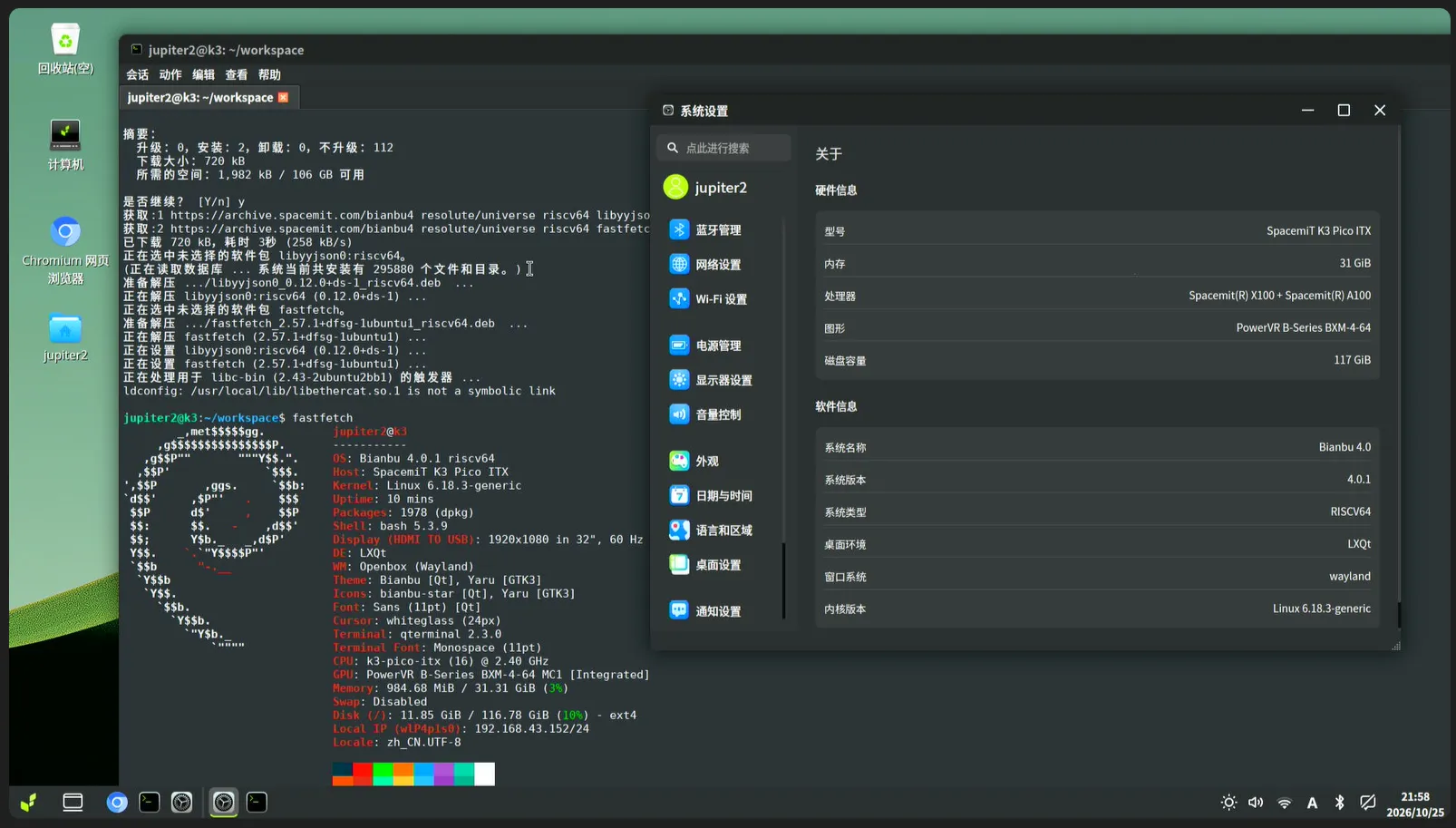
This test uses the factory pre-installed Bianbu system image without additional flashing. After connecting the power and monitor, the system booted normally into the initial setup wizard. After creating the user jupiter2, the system successfully entered the desktop environment.
System Login
Logged into the system via the graphical interface and opened a terminal for testing.
Expected Results
The system boots normally and successfully enters the desktop environment.
Actual Results
The system boots normally and successfully enters the desktop environment.
Boot Log

Desktop Environment
Test Criteria
Test Success: The actual results match the expected results.
Test Failure: The actual results do not match the expected results.
Test Conclusion
Test successful. The system boots normally and successfully enters the desktop environment.
Source: Support Matrix